

 English

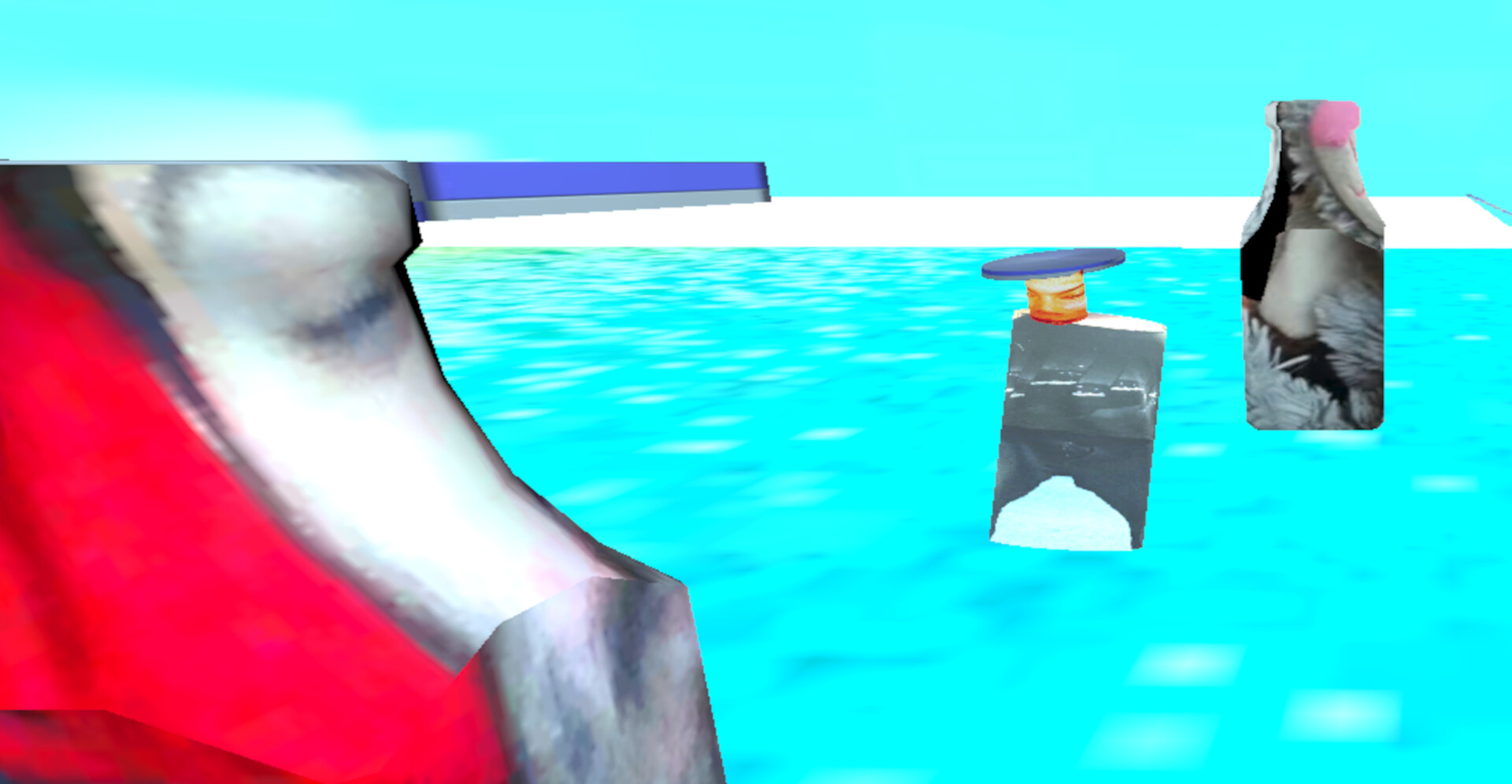
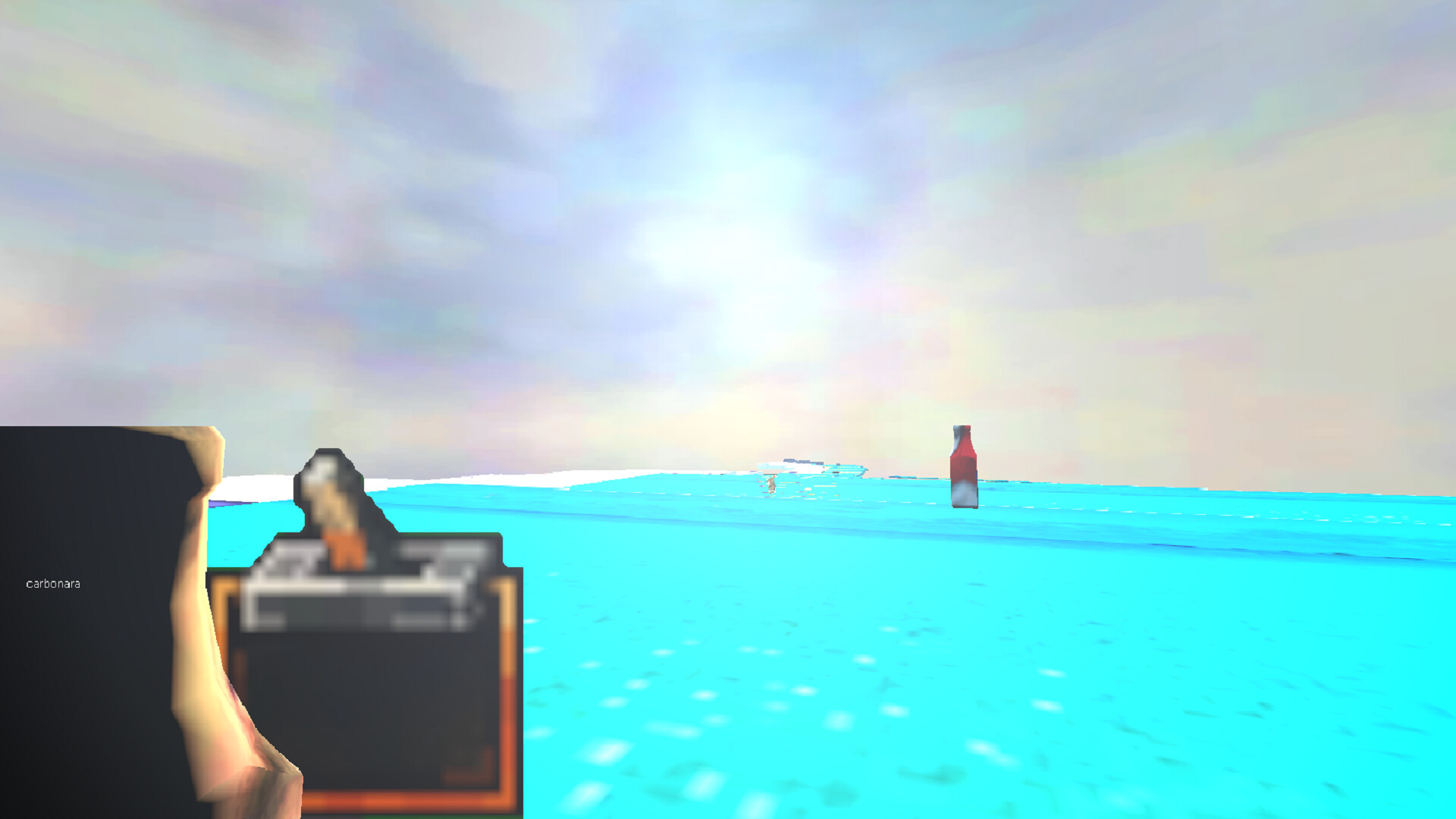
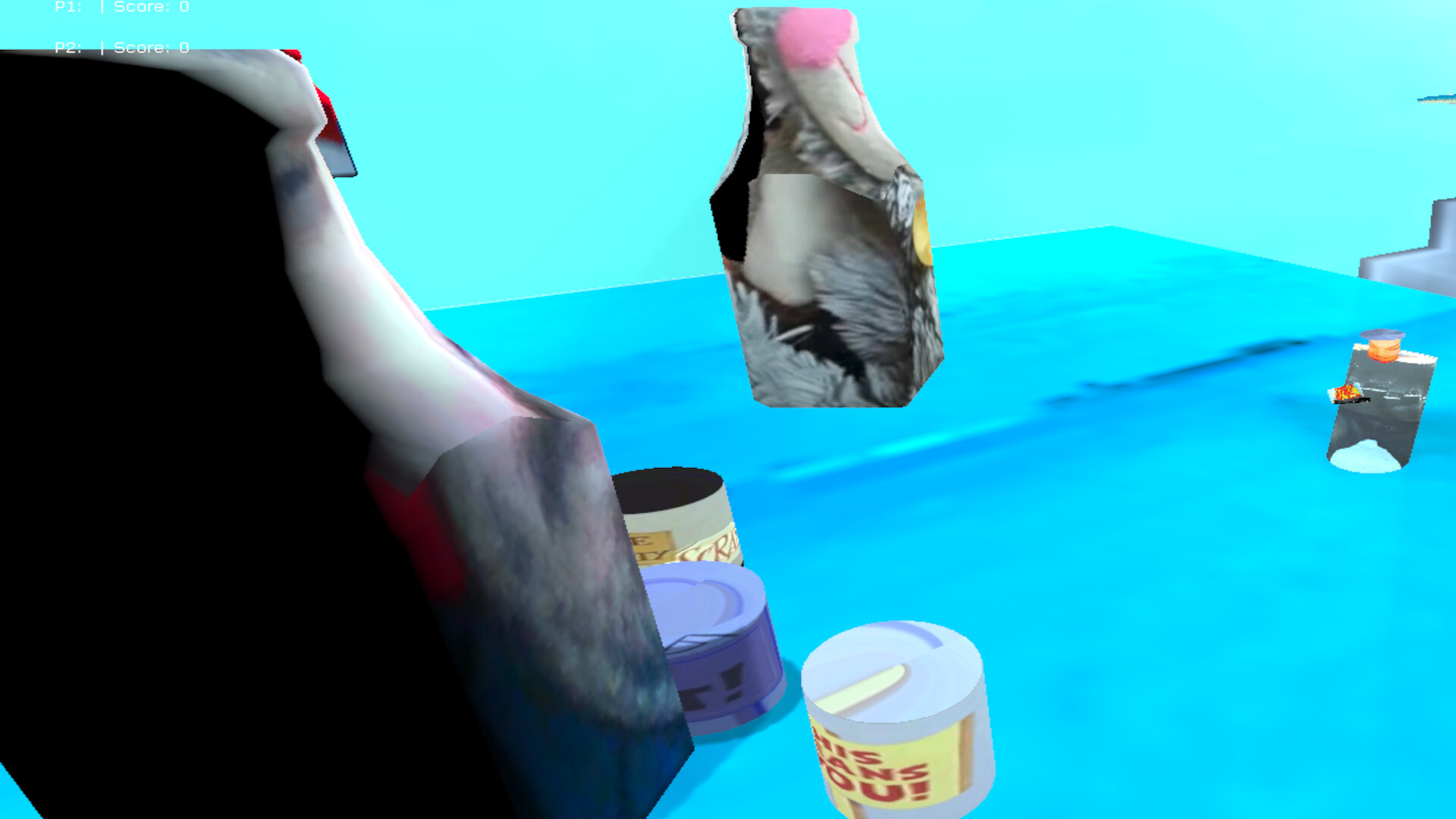
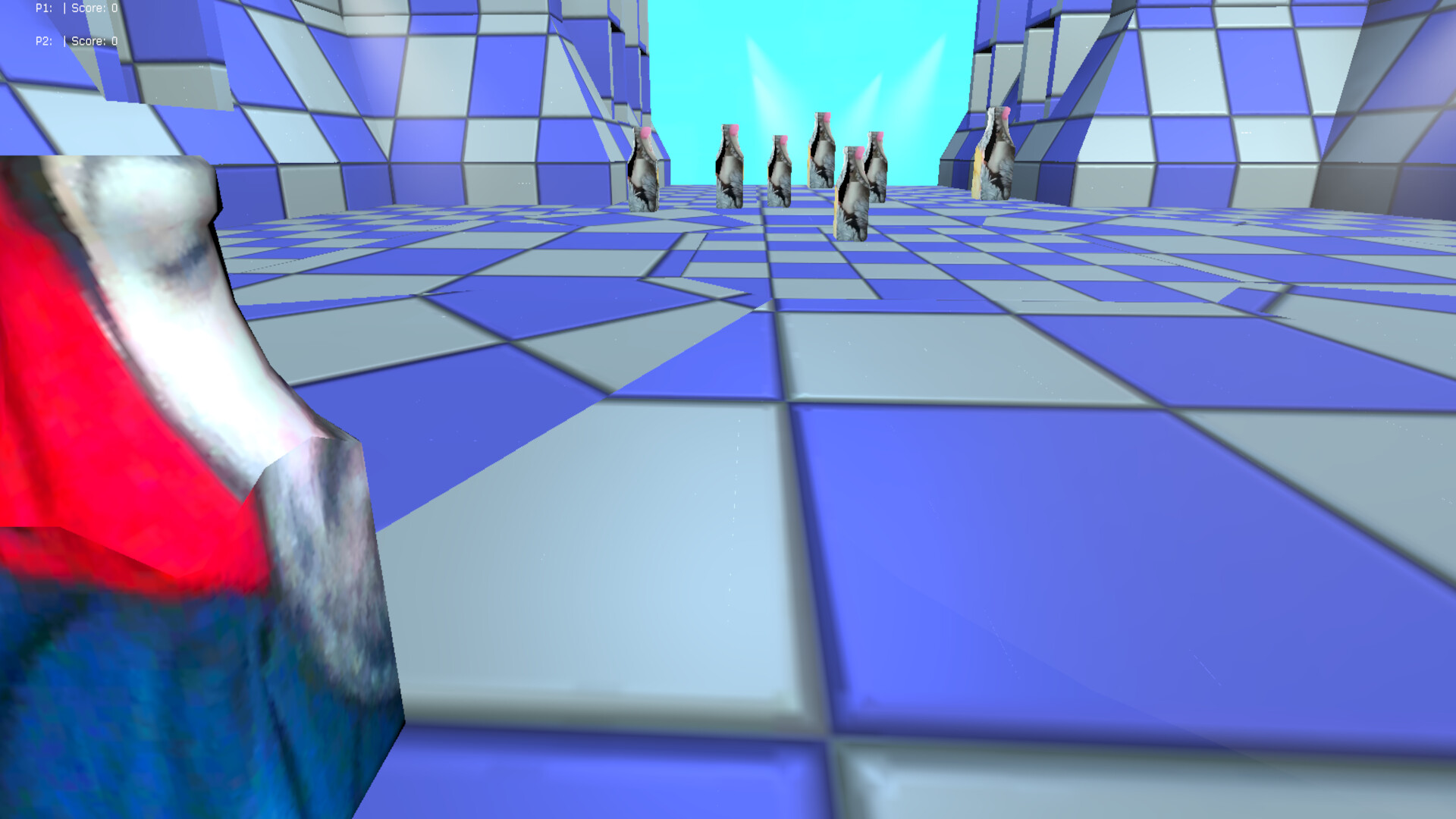

About the game
The description will appear after syncing with Steam.
life's a beach
where to buy cheaper: prices at 2 stores, Steam RU and KZ
Brian Seaburyreleased 9 September 2025Steam 100 % positive
All-time low: 139 ₽Steamgifts25 November 2026price history
The Steam wallet is topped up through top-up services: their fee is already included in the true price above.
 Russia
 Kazakhstan
- Requires a 64-bit processor and operating system
- OS: Windows 10 Windows 11 recommended for 11th gen processors and newer
- Processor: see bat concerns on how to remove the line that starts the java chatbot.works out of the box i3-1115G4 processor new minimum spec is an intel n150 although it will run fine on a n4020 the java chatbot runs on it's own thread so if you want to talk to it which you don't have to multicore is beneficial although 4 cores is the max that would be beneficial for this game. with this processor and an ssd expect 2.5 second load times tested with windows 11 where youd have to follow steps under additional notes to play intel celeron n4500 tested without the chatbot running chatbot adds about 200mb of ram usage approximately with windows 10 expect poor performance at the minimum spec multiplayer has not been tested on the minimum spec 64 bit processor recommended processor should be running from 2.6 to 2.8 ghz constantly and should be a processor from 2021 m2 nvme drive with a 24000 minimum 24000 gigabyte maximum required at this spec this can be found on a asus laptop br1100ck. preferably the m2 drive is not the same drive that windows is installed to use 32 bit open the binaries folder and go to 32 bit then click on Udk
- Graphics: intel celeron 2021 uhd graphics check your celeron processor release date by typing it into google.
- DirectX: Version 11
- Storage: 27 GB
- Additional Notes: expect 4 second load times 100 percent minimum 100 percent maximum processor state while plugged in it is theoretically possible with an ssd or ufs drive to get 2 second load times with real time protection turned off with a 24000 minimum 24000 maximum page file 4 - 6 second load times otherwise on a n4020.page file minimum 24000 maximum 24000 see steam discussions page file with a 1.78gb download for the game logs may increase this. process lasso required settings based on a n4500 celeron udk cpu priority above normal process watchdog udk.exe if above 80 percent set io priority to low if below 75 percent cpu set io priority to high. under options general set the refresh interval of the governor and of the gui to 2 seconds. set cpu priority of process lasso to always idle. set cpu priority of process governor to below normal set cpu affinity of process governor to use only cpu 0. these optimizations to process lasso reduce the amount of cpu overhead that process lasso has which is neededfor this cpu. if using an n4500 celeron. asus laptop br1100ck required. C drive eemc page file required 750 megabytes. this is a low performance drive. maximum throughput can be achieved by using a smaller page file. mileage may vary D drive nvme drive set page file to 24 gigabytes. page files are static for example minimum 750 maximum 750 minimum 24000 maximum 24000 resolution required 640 x 480 th folder unfortunately because the game makes use of bats and has dependencies this game may not work well on linux which sucks. to run the game on steam download throttlestop make sure to turn it on. the icon on in taskbar will be red if its on. set the following settings click on the c1 button set package c state locked to c1 set c1 undemotion to on set c3 demotion to on set pkg undemotion to on turn c1e off do not turn speed shift on as this can cause instability and crashes. in throttlestop click tpl make sure under power limit controls disable controls is not used then disable the short power limit it can cause the cpu to go over its power limit and this causes the cpu to throttle. make sure the short power limit is not used and that the turbo time limit slider is set all the way to the right. then make sure to use sync mimo. the settings for setting long power limit and sync mimo need to be reapplied everytime you start up
- Recommended:
- Requires a 64-bit processor and operating system
- OS: Windows 10 Windows 11 recommended for 11th gen processors and newer
- Processor: intel 8750h 64 bit processor recommended to use 32 bit mode instead copy the bat file youd like to use then change the part of the bat that says Win64 to Win32
- Memory: 8 GB RAM
- Graphics: intel uhd graphics 630
- DirectX: Version 11
- Storage: 11 GB
- Additional Notes: it is theoretically possible with process lasso realtime cpu priority and io priority low to get .984 second loading of the challenge areas on a fast computer. tested on a 8000 minimum 8000 maximum page file. the game is currently 2 gigabytes. logs are currently disabled and this increases performance moderately enough to actually make up for the inclusion of the java chatbot.on modern hardware game runs very well with a 62 fps framerate that can be adjusted in settings.
No separately priced editions or DLC at the stores yet.
Our highest trust level: a store with a good reputation, selected by us. It accepts payment from Russia, and we found no systematic complaints about undelivered goods.
This is an observation based on public data, not a guarantee.
How we assess reputationMore about the store
Reputation: goodA marketplace: keys are sold by third-party sellers. Before buying, check the seller’s reviews and the key region.
This is an observation based on public data, not a guarantee.
How we assess reputationMore about the store
Reputation: goodThe company is named on the site, there is an offer agreement, Russian cards or SBP are accepted, and we found no systematic complaints about undelivered goods.
This is an observation based on public data, not a guarantee.
How we assess reputationMore about the store
Reputation: averageCompany details or the offer agreement are not disclosed. We found no systematic complaints, but check the key region and refund terms before buying.
This is an observation based on public data, not a guarantee.
How we assess reputationMore about the store
Reputation: lowThere are systematic complaints about undelivered keys or account bans. If you buy here, keep the receipt and correspondence.
This is an observation based on public data, not a guarantee.
How we assess reputationMore about the store
Offers

| Store | Listing type | Activation region | Payment | Price | True price | Updated | |
|---|---|---|---|---|---|---|---|
| Steamgifts Standard Edition | Steam gift |  Russia & CIS |
Payment
SBPCardCrypto
|
price
139 ₽
|
true price
139 ₽
|
2 hours ago | Go to store |
| Steam Russia Standard Edition | to your library | Russia & CIS |
Payment
—
|
best price
125 ₽
|
true price
134 ₽
incl. 7 % top-up fee
|
6 hours ago | On Steam |
| Steam Kazakhstan Standard Edition | to your library |  Activation region: Kazakhstannot for your region |
Payment
—
|
price
890 ₸
|
true price
161 ₽
at Bank of Russia rate, excl. cost of getting it
|
6 hours ago | On Steam |
True price includes the top-up fee and the exchange rate, so you compare like with like.
1 more listing for accounts from other regions
These keys and gifts do not activate on an account from the selected region; listed for completeness.
| Store | Listing type | Activation region | Payment | Price | True price | Updated | |
|---|---|---|---|---|---|---|---|
| Steamgifts Standard Edition | Steam gift | Activation region: Kazakhstan |
Payment
SBPCardCrypto
|
price
139 ₽
|
true price
139 ₽
|
2 hours ago | Go to store |
Price history
- Stores, best price
- Steam Russia incl. top-up
- Steam Kazakhstan in ₽
The best deal right now is buying directly on Steam: 134 ₽ with a wallet top-up. Since 25 November the best key price has not changed.
Prices as a table
| When | Stores, best price | Steam Russia incl. top-up | Steam Kazakhstan in ₽ |
|---|---|---|---|
| 25 November 2026, 17:12 | 139 ₽ | 134 ₽ | 160 ₽ |
| 25 October 2026, 08:03 | — | 134 ₽ | 160 ₽ |
How to buy from Russia
FAQ
Where is life's a beach cheapest right now?
As a key at Steamgifts for 139 ₽, activating on a Russian account. On Steam for Russia, including the wallet top-up fee, it comes to 134 ₽.
Can life's a beach be activated in Russia?
Yes. The game is sold on Russian Steam, and keys with the “Russia & CIS” and “Global” regions activate on a Russian account.
When was life's a beach at its lowest price?
The all-time low for keys is 139 ₽: Steamgifts, 25.11.2026.
How much is life's a beach on Steam Kazakhstan?
About 161 ₽ at the Bank of Russia rate. You need a Kazakhstan-region account with a KZ wallet, or a gift from a friend in Kazakhstan.


