
 English


About the game
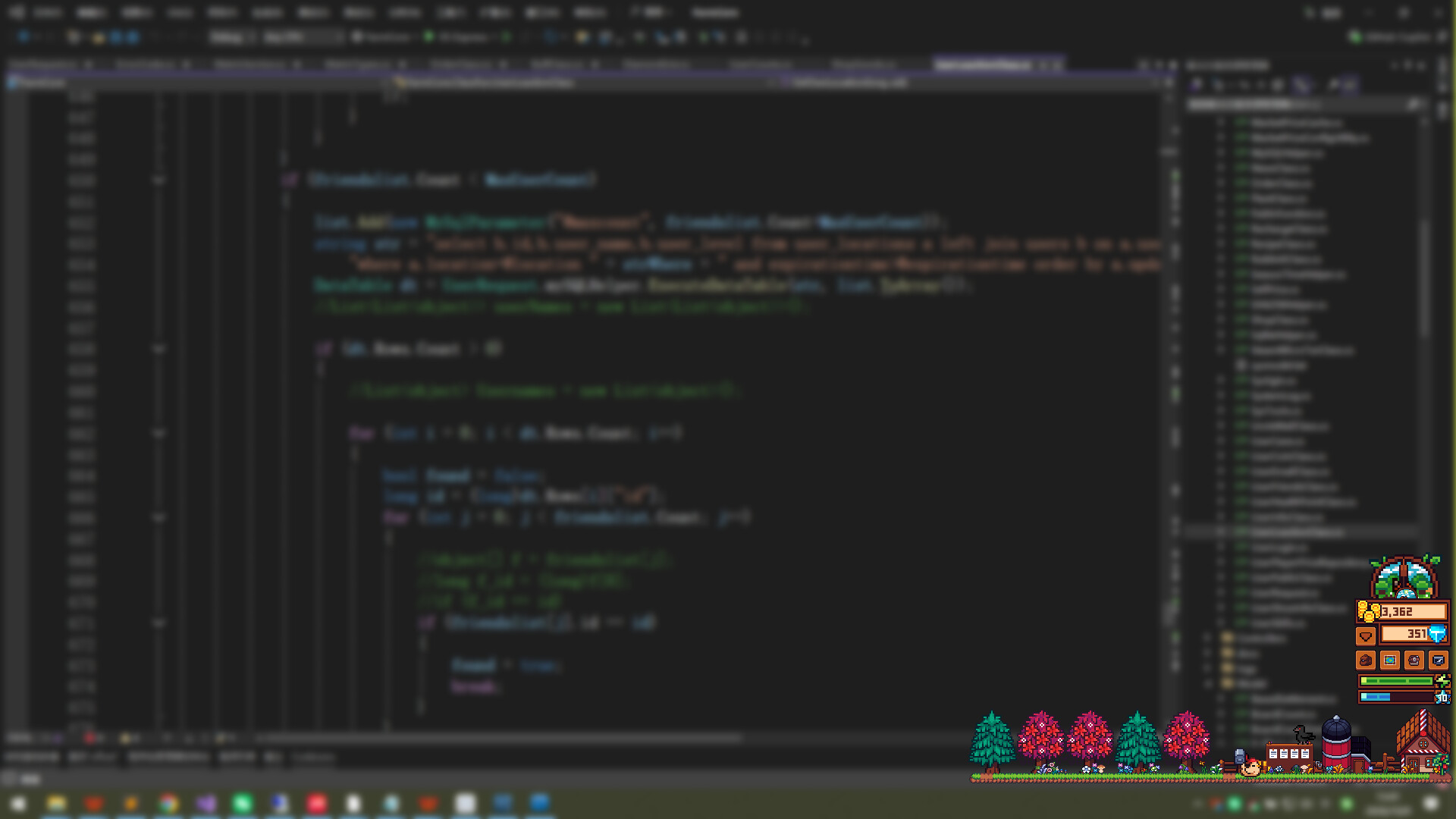
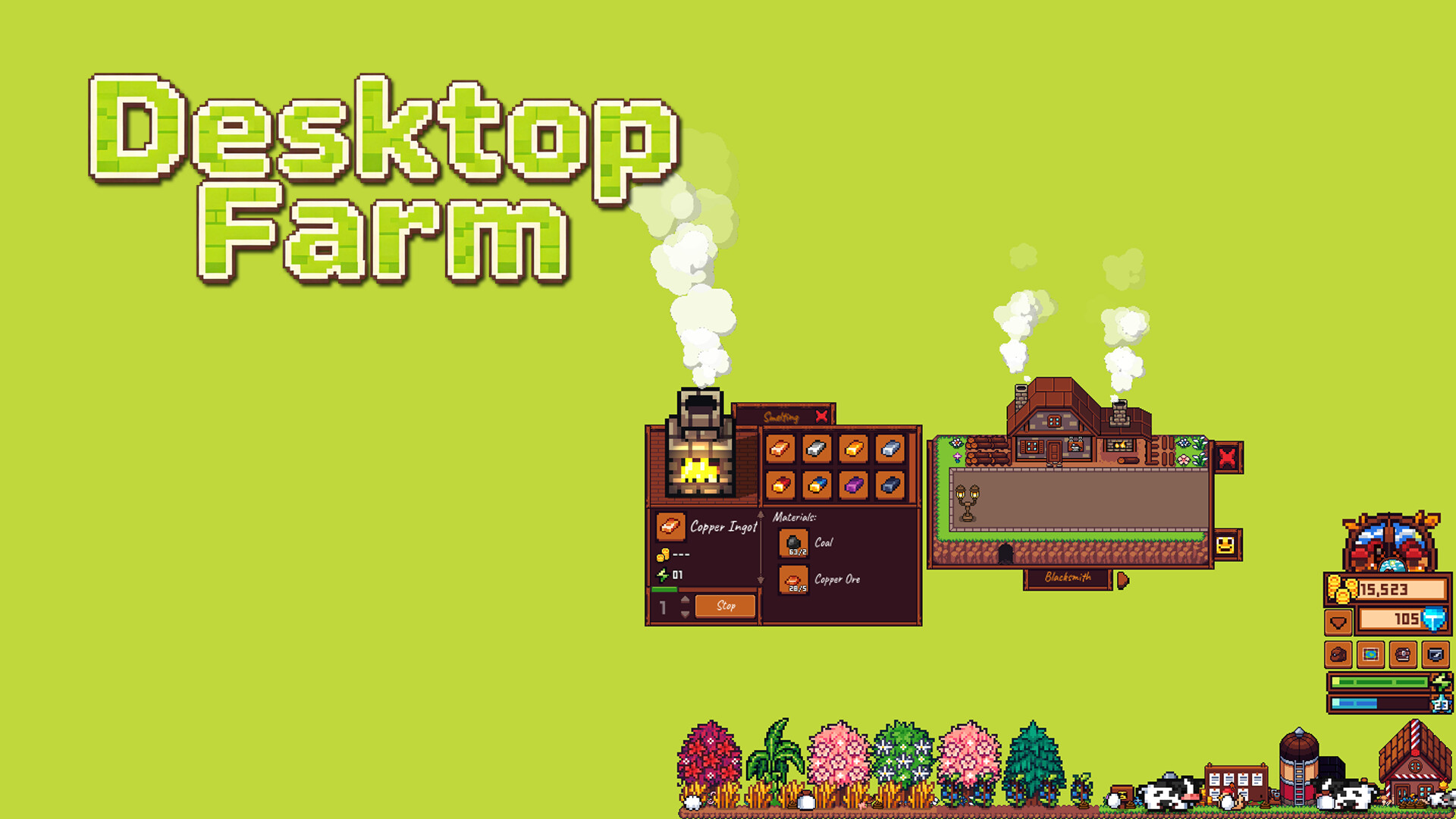
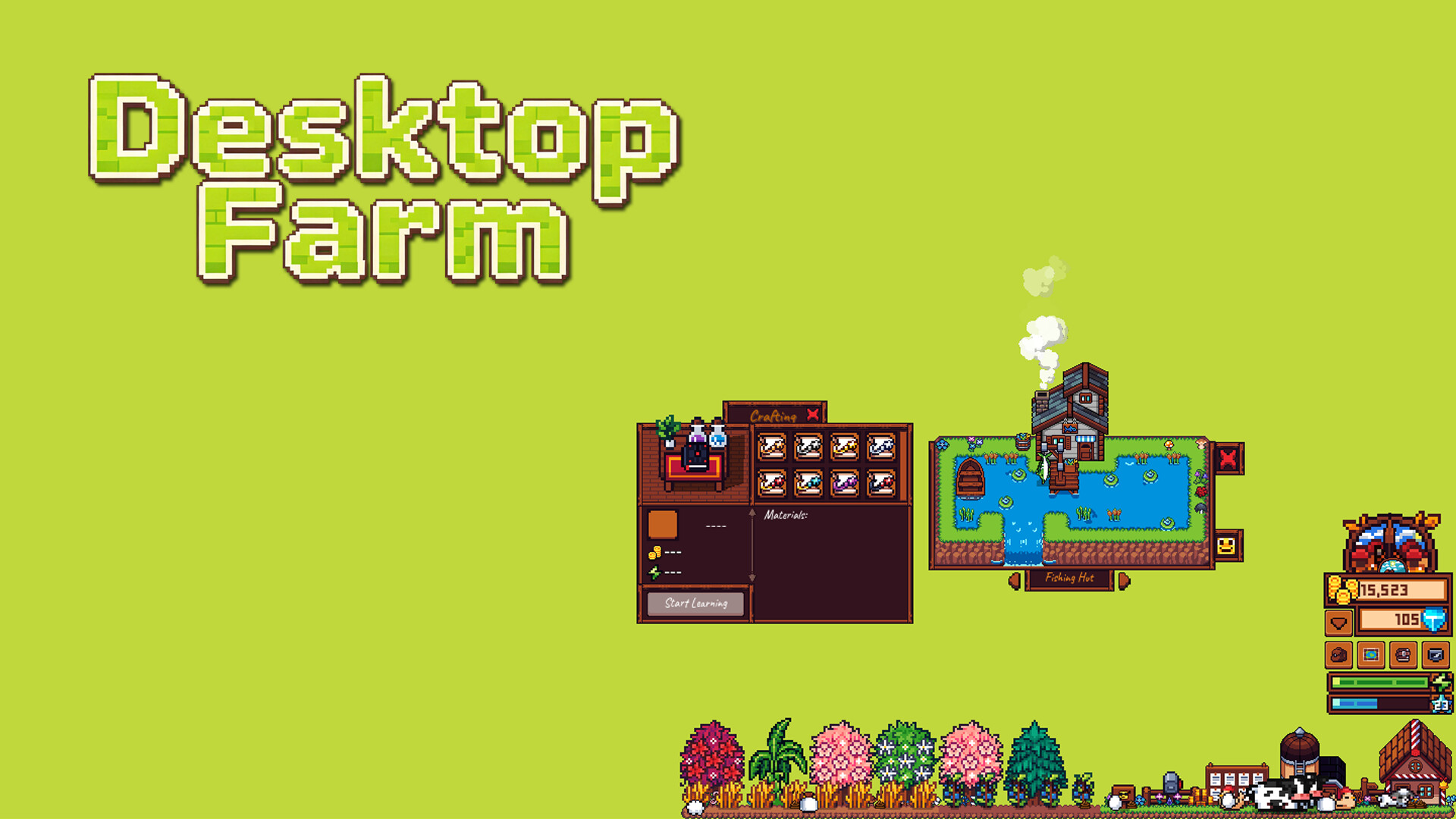
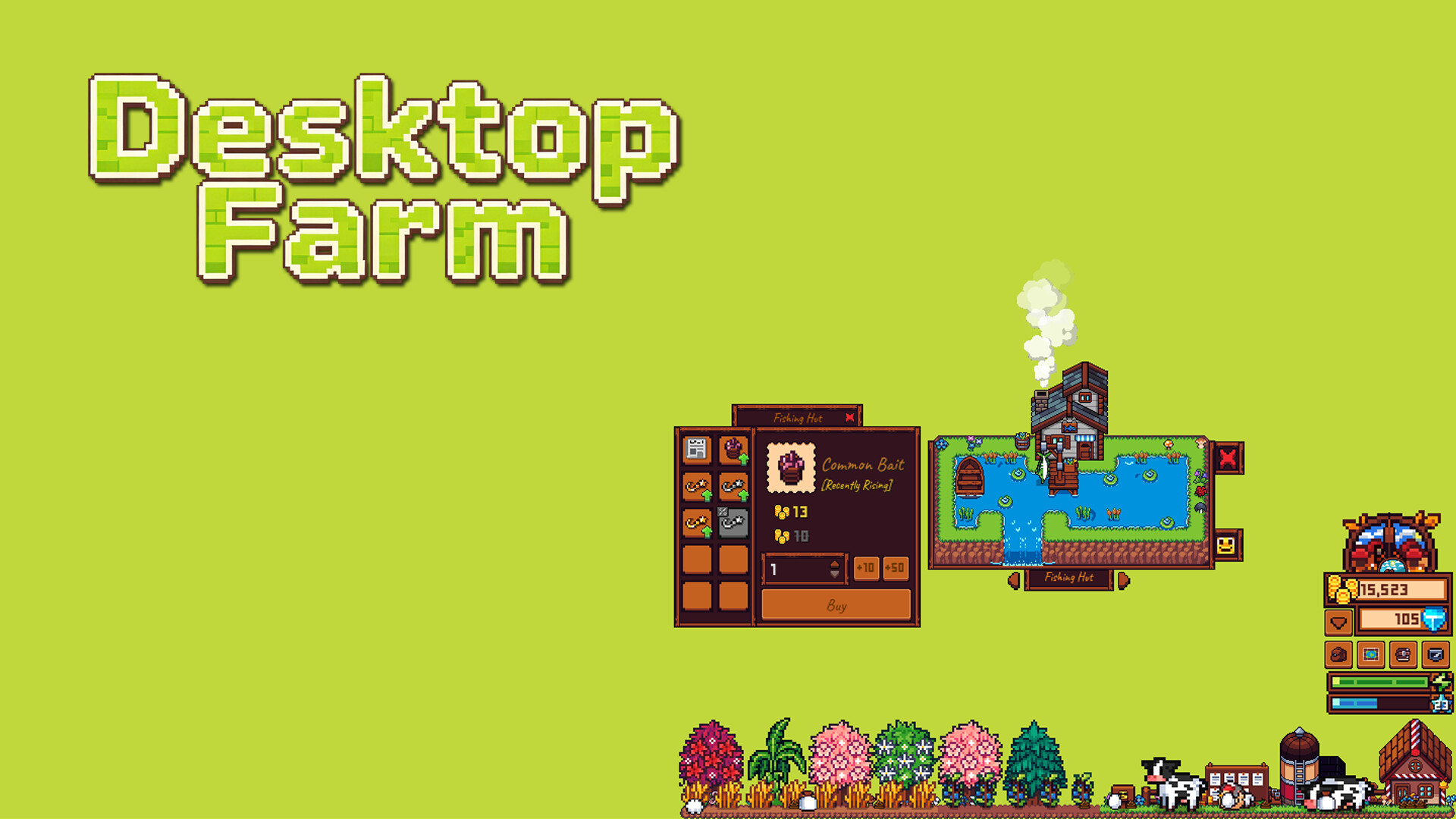
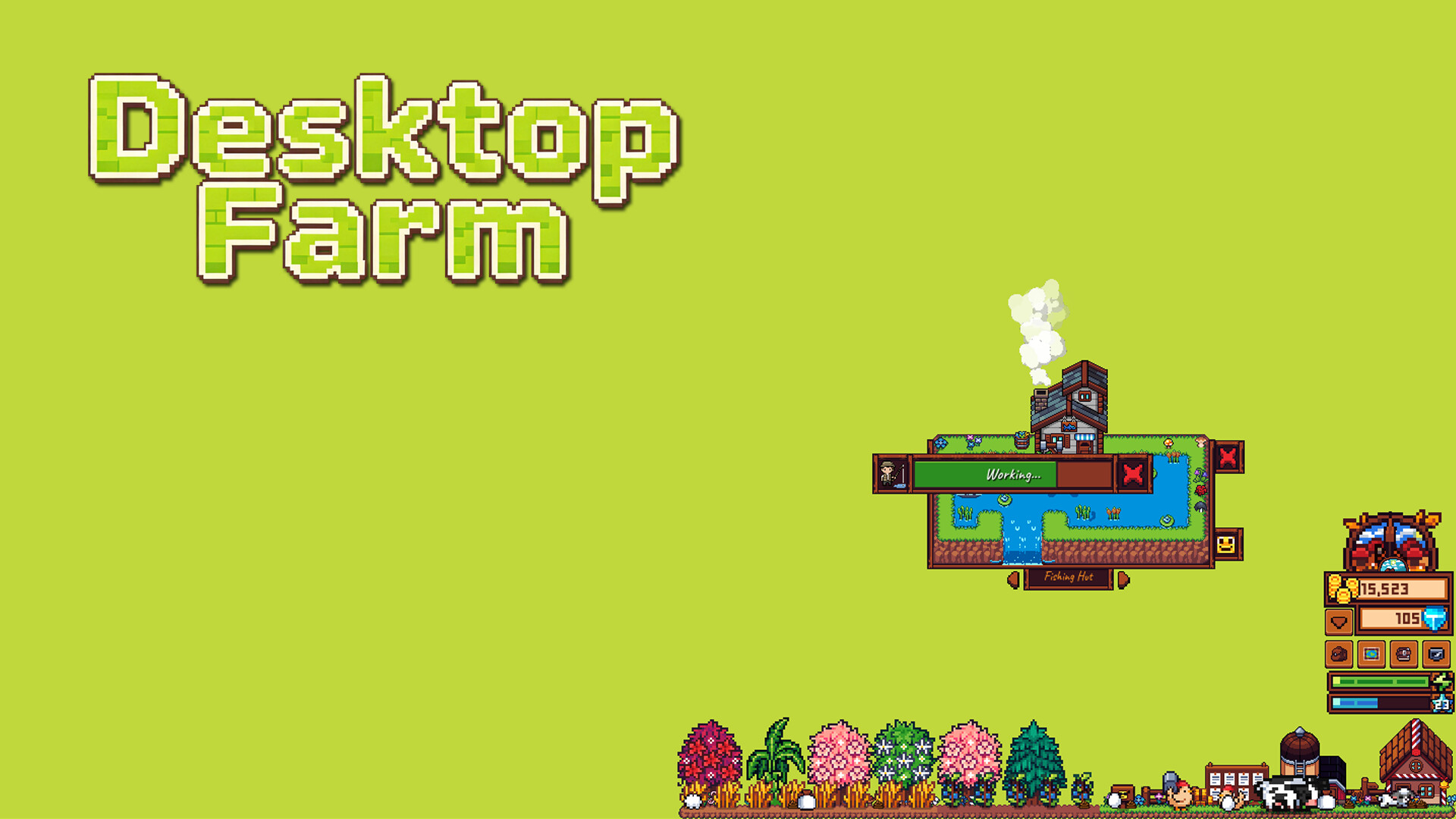
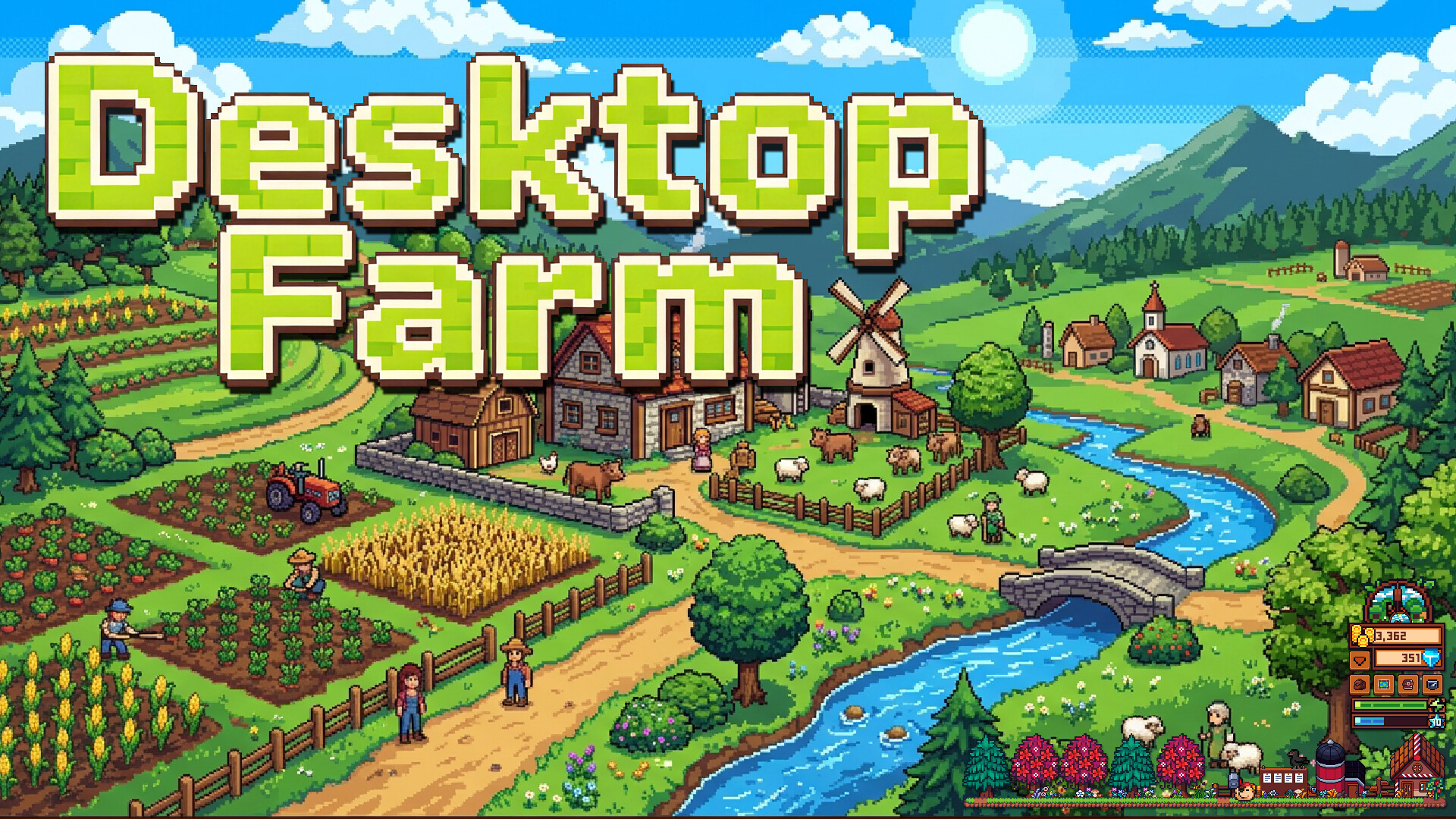
«Настольная ферма» — игра-симулятор фермы, живущая прямо на рабочем столе. Сажайте грядки, разводите животных, рыбачьте, добывайте руду и торгуйте в ларьке. Заняты — сверните одним кликом; свободны — нажмите Alt+W и вернитесь на ферму. Она не мешает и тихо составляет компанию.
Desktop Farm
where to buy cheaper: prices at 1 store, Steam RU and KZ
CXCY · releases 31 December 2026
Free to play: just add it to your Steam library. Only editions and DLC cost money.
 Steam account region
 Russia
 Kazakhstan
System requirements will appear after syncing with Steam.
No separately priced editions or DLC at the stores yet.
The company is named on the site, there is an offer agreement, Russian cards or SBP are accepted, and we found no systematic complaints about undelivered goods.
This is an observation based on public data, not a guarantee.
How we assess reputationMore about the store
Reputation: averageCompany details or the offer agreement are not disclosed, or the item is sold by a third-party seller. We found no systematic complaints, but check the key region and refund terms before buying.
This is an observation based on public data, not a guarantee.
How we assess reputationMore about the store
Reputation: lowThere are systematic complaints about undelivered keys or account bans. If you buy here, keep the receipt and correspondence.
This is an observation based on public data, not a guarantee.
How we assess reputationMore about the store
Offers
| Store | Listing type | Activation region | Payment | Price | True price | Updated | |
|---|---|---|---|---|---|---|---|
| Steam Россия Standard Edition | to your library |
РФ и СНГ |
—
|
free | free | 9 hours ago | On Steam |
| Steam Казахстан Standard Edition | to your library |
Казахстанnot for your region |
—
|
free | free | 9 hours ago | On Steam |
True price includes the top-up fee and the exchange rate, so you compare like with like.
How to buy from Russia
FAQ
How much does Desktop Farm cost?
Desktop Farm is free to play: just add the game to your Steam library. Only editions, bundles and DLC cost money.
Can Desktop Farm be activated in Russia?
Yes. The game is sold on Russian Steam, and keys with the “Russia & CIS” and “Global” regions activate on a Russian account.