
 English


About the game
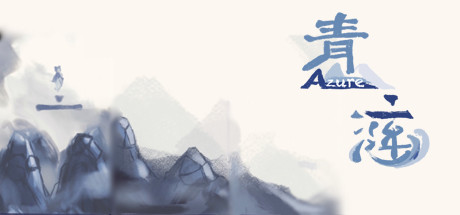
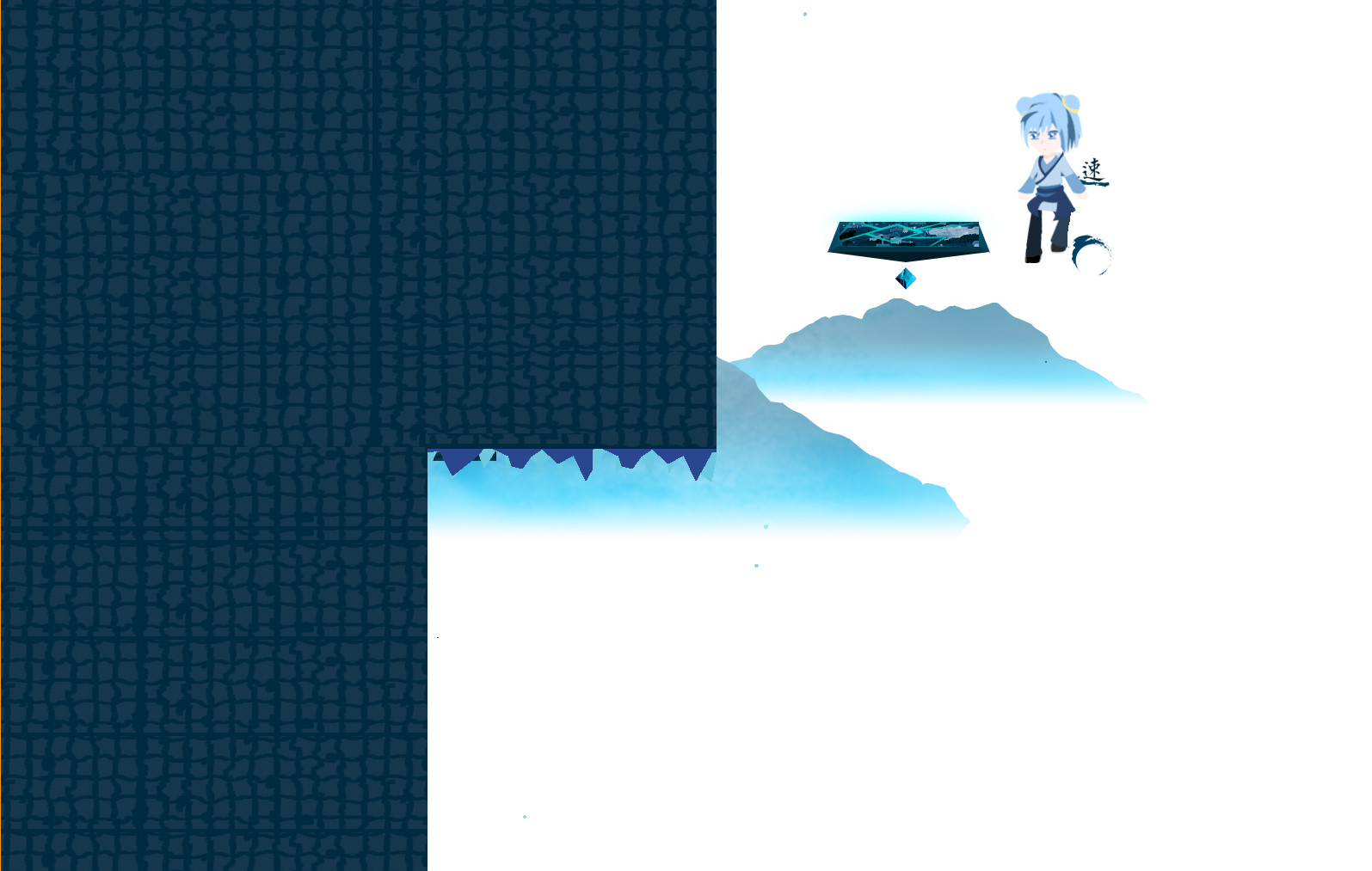
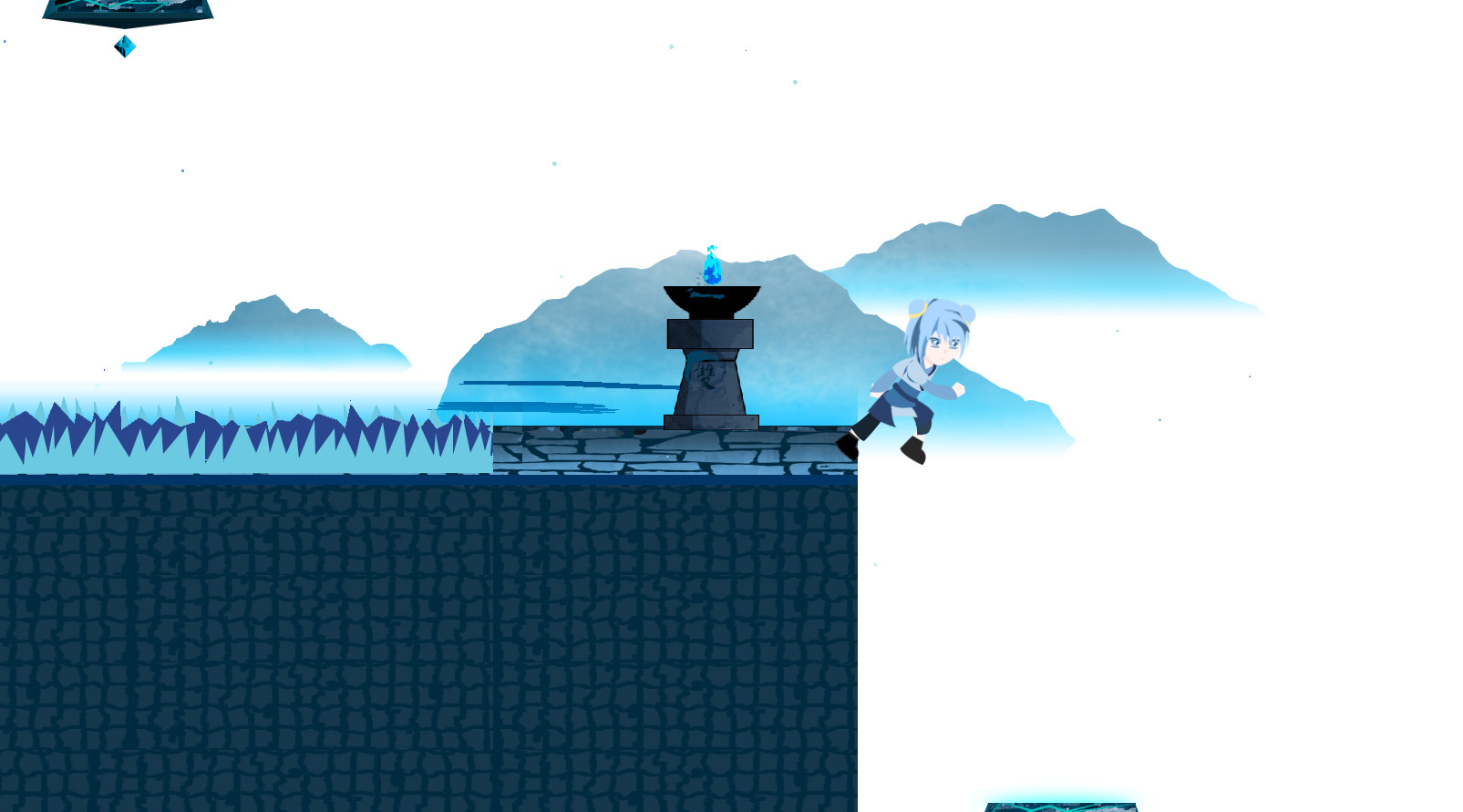
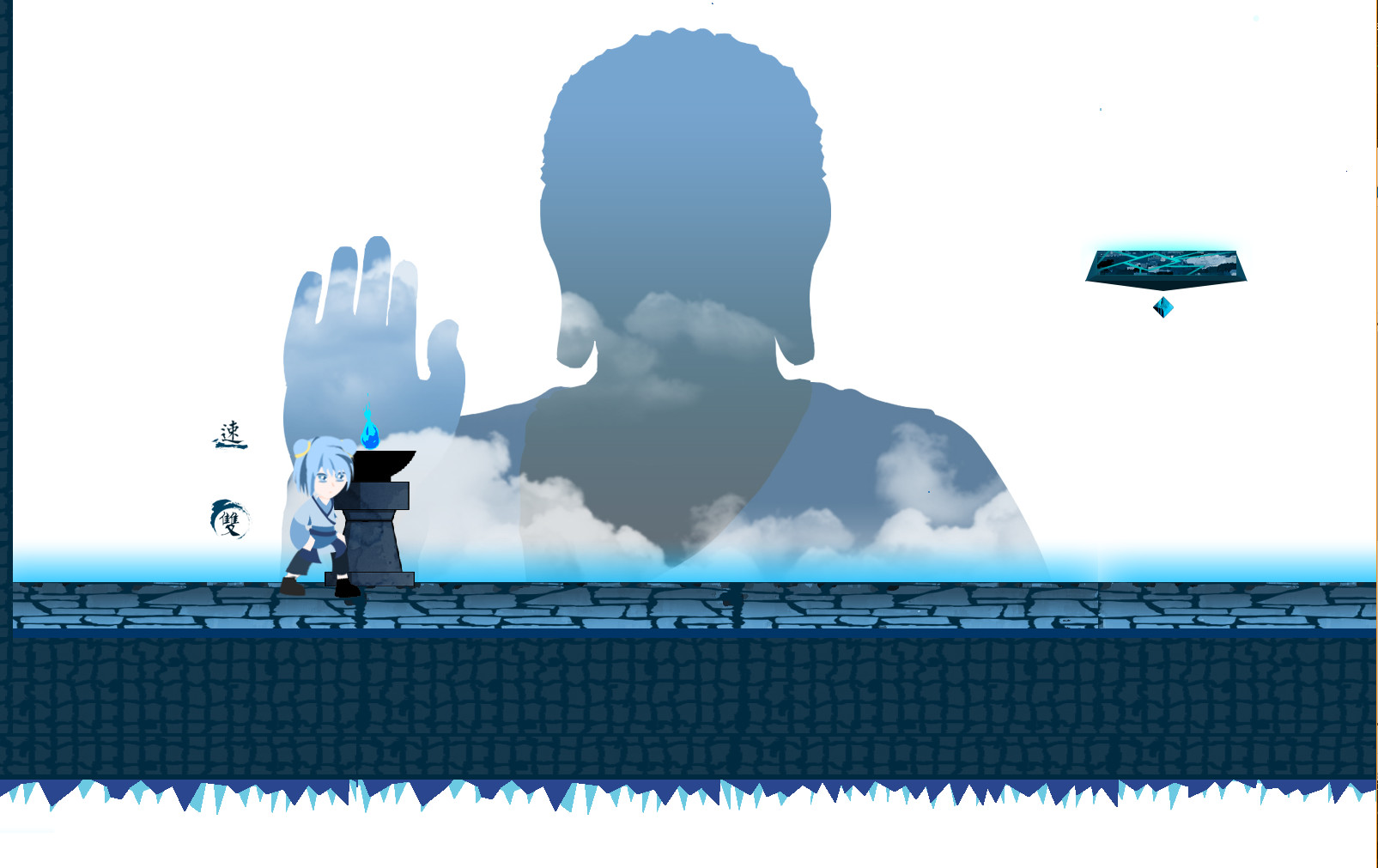
A final project of my college freshman year. Just jump and dash and have fun.
Azure
where to buy cheaper: prices at 1 store, Steam RU and KZ
Hongke Luo · released 25 May 2020 · Steam 93 % positive
Free to play: just add it to your Steam library. Only editions and DLC cost money.
 Steam account region
 Russia
 Kazakhstan
- ОС *: Windows 7, 8, 10
- Процессор: 2 GHz Dual Core CPU
- Оперативная память: 2 GB ОЗУ
- Видеокарта: Intel HD Graphics 4000
- DirectX: версии 11
- Место на диске: 30 MB
No separately priced editions or DLC at the stores yet.
The company is named on the site, there is an offer agreement, Russian cards or SBP are accepted, and we found no systematic complaints about undelivered goods.
This is an observation based on public data, not a guarantee.
How we assess reputationMore about the store
Reputation: averageCompany details or the offer agreement are not disclosed, or the item is sold by a third-party seller. We found no systematic complaints, but check the key region and refund terms before buying.
This is an observation based on public data, not a guarantee.
How we assess reputationMore about the store
Reputation: lowThere are systematic complaints about undelivered keys or account bans. If you buy here, keep the receipt and correspondence.
This is an observation based on public data, not a guarantee.
How we assess reputationMore about the store
Offers
| Store | Listing type | Activation region | Payment | Price | True price | Updated | |
|---|---|---|---|---|---|---|---|
| Steam Россия Standard Edition | to your library |
РФ и СНГ |
—
|
free | free | 3 hours ago | On Steam |
| Steam Казахстан Standard Edition | to your library |
Казахстанnot for your region |
—
|
free | free | 3 hours ago | On Steam |
True price includes the top-up fee and the exchange rate, so you compare like with like.
How to buy from Russia
FAQ
How much does Azure cost?
Azure is free to play: just add the game to your Steam library. Only editions, bundles and DLC cost money.
Can Azure be activated in Russia?
Yes. The game is sold on Russian Steam, and keys with the “Russia & CIS” and “Global” regions activate on a Russian account.